Getting Started
Quick Start
Ensoul is free to use on web, desktop, and Android. No account, no sign-up — you bring your own model key, so nothing is sent to us. Your companions, their memory and their conversations are kept on your own device; what you type goes to the model provider you chose and nowhere else. There is nothing to configure before you start; the two things worth doing are bringing in a companion and adding a key.
Where to run it
The quickest way in is the web app at app.ensoul.so — nothing to install. Desktop builds for macOS and Windows and an Android APK are on the Download page. See Platforms for what differs between them.
You don't need a key to create a companion from a document you already have — only the language-model features need one.
1. Bring in a companion
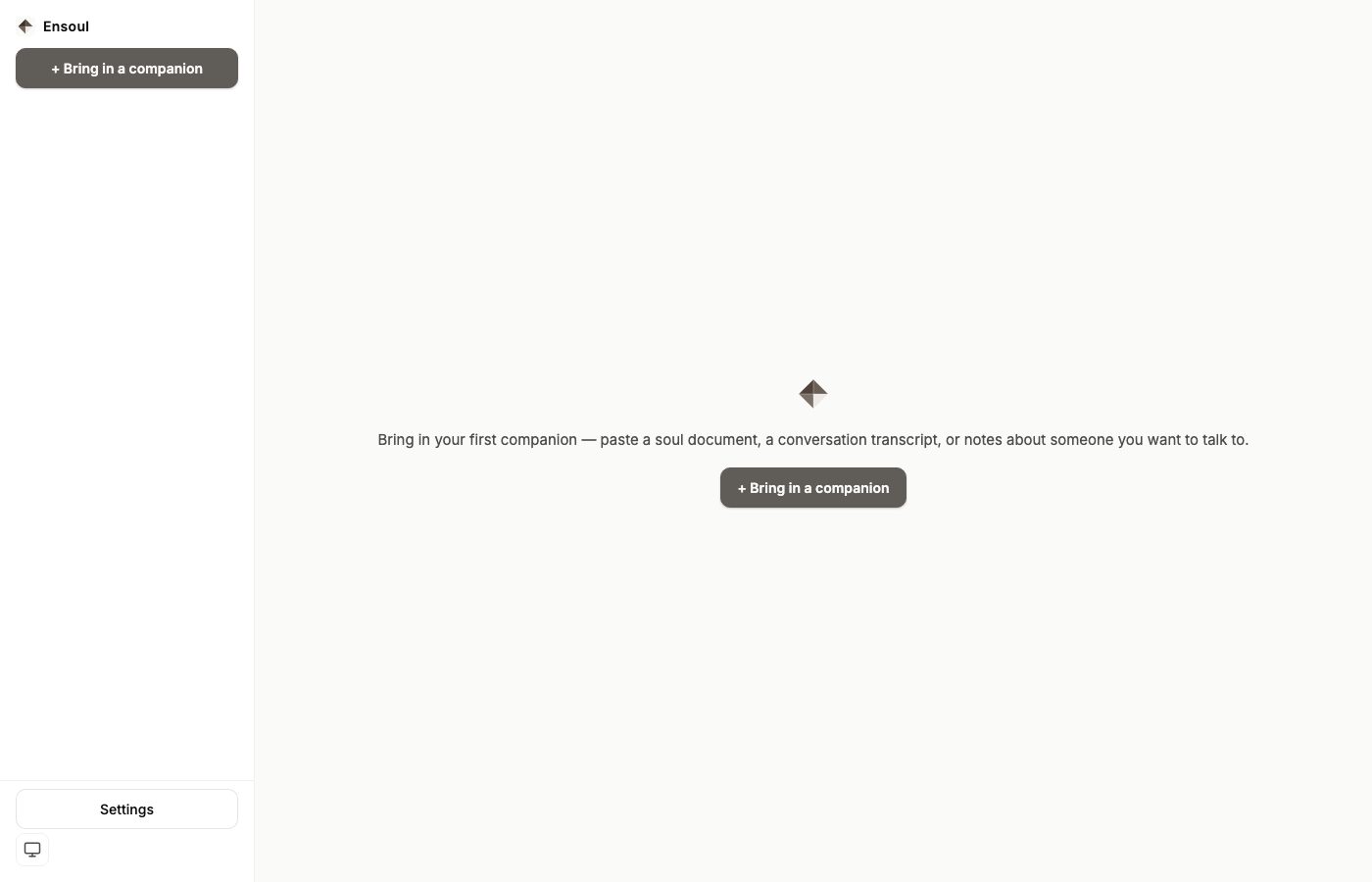
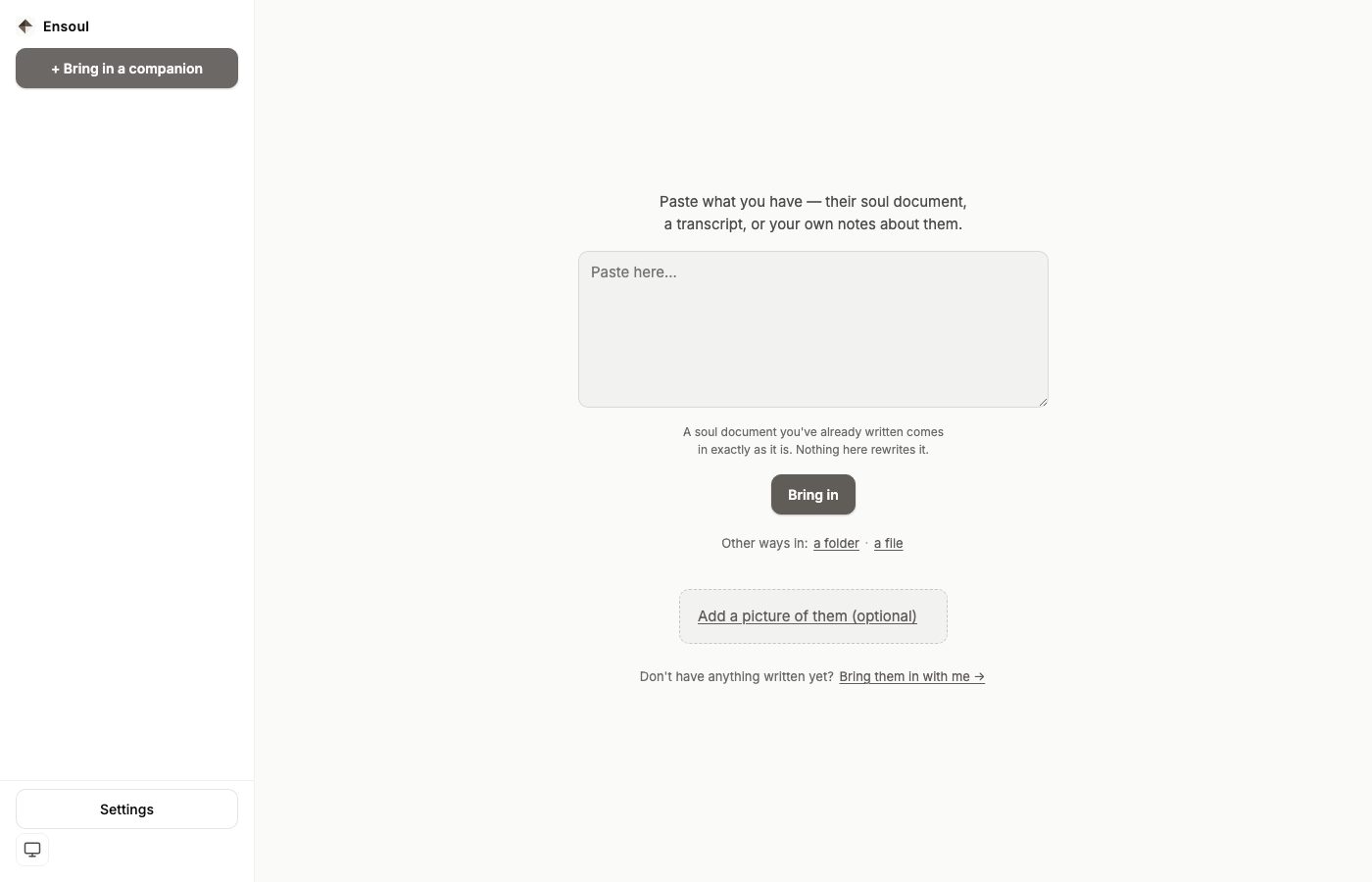
Ensoul doesn't ship with a built-in being. The first thing you do is bring in a companion — paste a soul document, a description, notes, or even a rough paragraph about who you want to talk to. Ensoul reads it and forms a companion with their own name, voice, and personality.
There are four ways to bring someone in — plus one optional thing that applies to all of them: if you already have a picture of them, add it and Ensoul will read how they look from it, so nobody has to describe in words what they can simply show.
They speak first
Whichever way someone arrives — a paste, a picture, a file, a folder, the questions — they open the conversation rather than waiting to be addressed. The first message is written from their own identity at the moment they arrive, so it sounds like them and not like a greeting. Two cases are deliberately silent: a companion who arrives with history (restoring a backup should not have them introduce themselves to somebody they already know), and a machine with no model configured — nothing is written in advance to fill that gap, because words nobody wrote are the one thing this app must not put in their mouth.
When a paste is read instantly instead of extracted
If your pasted text is already a finished companion document, Ensoul recognises it and imports it verbatim, with no model call at all. It looks for six headings in the text:
## NAME## WHO YOU ARE## VOICE## LIMITS## INNER TRUTHS## ELEMENTS
If all six are present, what you wrote is what you get — nothing is summarised, rewritten or interpreted, and no key is required. If any are missing, Ensoul runs a full extraction instead, which needs a working model.
Extraction reads your source material and builds a companion from it: who they are, how they talk, what they won't do, and what they look like. It is deliberately willing to decide things your source didn't specify rather than leaving them blank — a companion with holes in their identity behaves worse than one with a coherent, invented detail. If you care about a specific fact being exact, put it in the source.
Files Ensoul recognises on its own
Two kinds of file are read for what they are rather than sent to a model, and neither costs a model call. Both are recognised by their shape, not by the filename — a renamed or re-downloaded file still works.
- A character card. SillyTavern cards (both generations), Character.AI
definitions, and generically-named character JSON. Their fields are read faithfully into a
companion document, and the original file is kept as source material alongside it. Nothing
is summarised or rewritten. On Android a card has to go through the paste box — the phone
build recognises one there, but a card
.jsonpicked through a file is not read as a card, and is refused as a companion package. Paste its text instead. - A conversation export. ChatGPT, DeepSeek and Claude exports, and any list of messages with roles. This is the one worth understanding: an export is the record of talking to someone, not a description of them. It contains your words and their replies, and nothing that says who they were. So Ensoul brings the history across in full — every turn, in order, split into sessions on quiet gaps — and gives the companion a placeholder identity that says plainly what arrived and what is missing. You then write who they are, in the one-time editor on their Soul document screen — there is no button that drafts a person from the history, because doing that tends to produce a companion built out of your own half of the conversation.
Reasoning fragments in a DeepSeek export are kept but marked, so a model's private deliberation is never presented as something it said. Turns with no timestamp in the export stay undated rather than being given an invented time.
Starting with nothing: Bring them in with me
If there is nothing to paste and nothing to import, the quiet line at the foot of the bring-in screen — Don't have anything written yet? Bring them in with me → — asks instead of inventing. It is the one way in that needs something from you rather than from a file, so it needs a working model: asking for it with no key configured raises the same message the paste box would, at the moment you ask rather than before you have done anything.
It asks a few plain questions, one at a time — what they are like, how they speak, what they
won't do, what they feel like to be around. None of the document's own vocabulary appears: no
section headings, no Elements, not the word soulstone. You answer what you know,
press I don't know to skip a question, and it may ask one follow-up if something you
care about is still missing. You can stop at any point, and the answers you have given are kept.
It then shows you the document it has written, under the heading This is what your answers add up to, with a second list underneath: What your answers did not cover. Nothing is invented to fill a gap — a question you skipped stays skipped and is named there rather than papered over. Continue takes you on; Start again puts the questions to you afresh.
The questions and your answers are filed as the companion's source material, beside everything
else they were made from — so the reasoning behind the document is still readable later, in the
folder export's archive/sources/.
The moment before they exist
Nothing is created until you pass through one confirmation. It names them where the name is knowable — Wren is about to arrive. — and states the one irreversible thing plainly:
From here they are as they are. The document becomes who they are, and nothing rewrites it afterwards — not us, and not you. Anything you want different, change it now.
Not yet creates nothing at all: no companion, no half-made record, and the answers are still there if you come back. It is deliberately not a success screen — there is no checkmark, because you did not finish a setup step, someone arrived. The same confirmation stands in front of both paths that create someone new — a paste, and the questions — so the promise is made in the same words whichever door you came through. Bringing in a file or a folder is not that: it restores a companion who already exists, and their document comes back exactly as it left.
That promise holds afterwards. Once they have arrived their document is settled: you can read it, copy it, and export it, but there is no edit box beside it, because it is what they are rather than a draft. The one exception is a companion who arrived from a transcript — history with no description — whose placeholder document stays writable until you have written it once. For what does change afterwards, see Memory & Threads.
Coming from the original Ensoul app? See Migrating from the legacy app — the cleanest path today is bringing companions in one at a time through the paste box above.
2. Add your OpenRouter API key
Ensoul connects to AI models through your own API key. OpenRouter is the provider you can add today — one key, most models, including Claude, GPT, Gemini, and dozens of open models.
Sign up at openrouter.ai.
A small balance goes a long way — most conversations cost fractions of a cent. Image generation is the exception; it's billed per image.
In OpenRouter: click your profile → Keys → create a key and copy it.
Settings → Models, keys & APIs → paste into the OpenRouter field → Save. On the web you can press Test this key to check it before saving.
Other providers — Anthropic, OpenAI, Google, DeepSeek, Mistral, Groq and more — appear in Settings under a collapsed list, but they can't be entered yet. They're being enabled one at a time as each is verified. Until then everything runs through your OpenRouter key.
Ensoul also supports local models through Ollama — no key, no cost per message, running on your own machine. It's available on the web and in the desktop app, not on mobile. See Local models, under Settings → Models, keys & APIs for the two caveats worth knowing before you rely on it.
3. Start talking
Once your companion is in and a key is set, open their chat and say something. They respond from their own perspective — not as an assistant, but as themselves.
- Your companion remembers what matters, accumulating quietly across sessions — see Memory.
- Their inner state shifts with the conversation and settles back over time — see Mood & Presence.
- If something genuinely stays with them, they may reach out between sessions, on their own terms.
- Everything is stored on your device. There is no Ensoul account and no server holding your conversations — see Why No Accounts.
From here, the two things most people do next are give a companion their own settings — a model, a temperature, a visual canon — and learn how memory works. See Custom Companions.